
Features Time Tracker
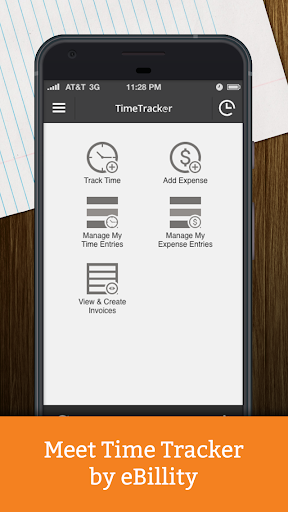
Time Tracker is a simple time tracking app designed for everyone!
Attorneys, engineers, accountants, architects and business consultants across the globe use Time Tracker to efficiently track time.
Time Tracker syncs seamlessly to QuickBooks, Xero, Sage, Concur, Gusto, ADP, Clio, Reckon, and MYOB.(optional).Users have logged over 700 million hours to date with Time Tracker.
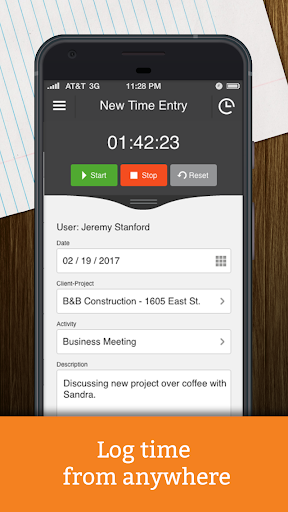
Once subscribed to Time Tracker this free app allows you to: - Add and edit time entries, even when offline!- Admins can review and approve entries.- Enable Geolocation tracking to include the location of your time entries!Users that upgrade to Time Tracker +Billing will gain access to the following features:- Add and edit expenses.- Create and view invoices.- Process payments via Stripe.If you are interested in upgrading to Time Tracker +Billing, you can update your subscription by visiting eBillity.com or by calling a support specialist at 1-800-851-0992.All entries made via the Time Tracker app will automatically sync to your Time Tracker account.
From there they will also sync with any of the above mentioned integrations.See more at eBillity.com.
Travel Features
Plan and manage your travels with ease.
Food & Dining
Discover recipes and order food from your favorite restaurants.
News & Updates
Stay informed with the latest news and updates.
See the Time Tracker in Action

Get the App Today
Available for Android 8.0 and above